
Description
Overview
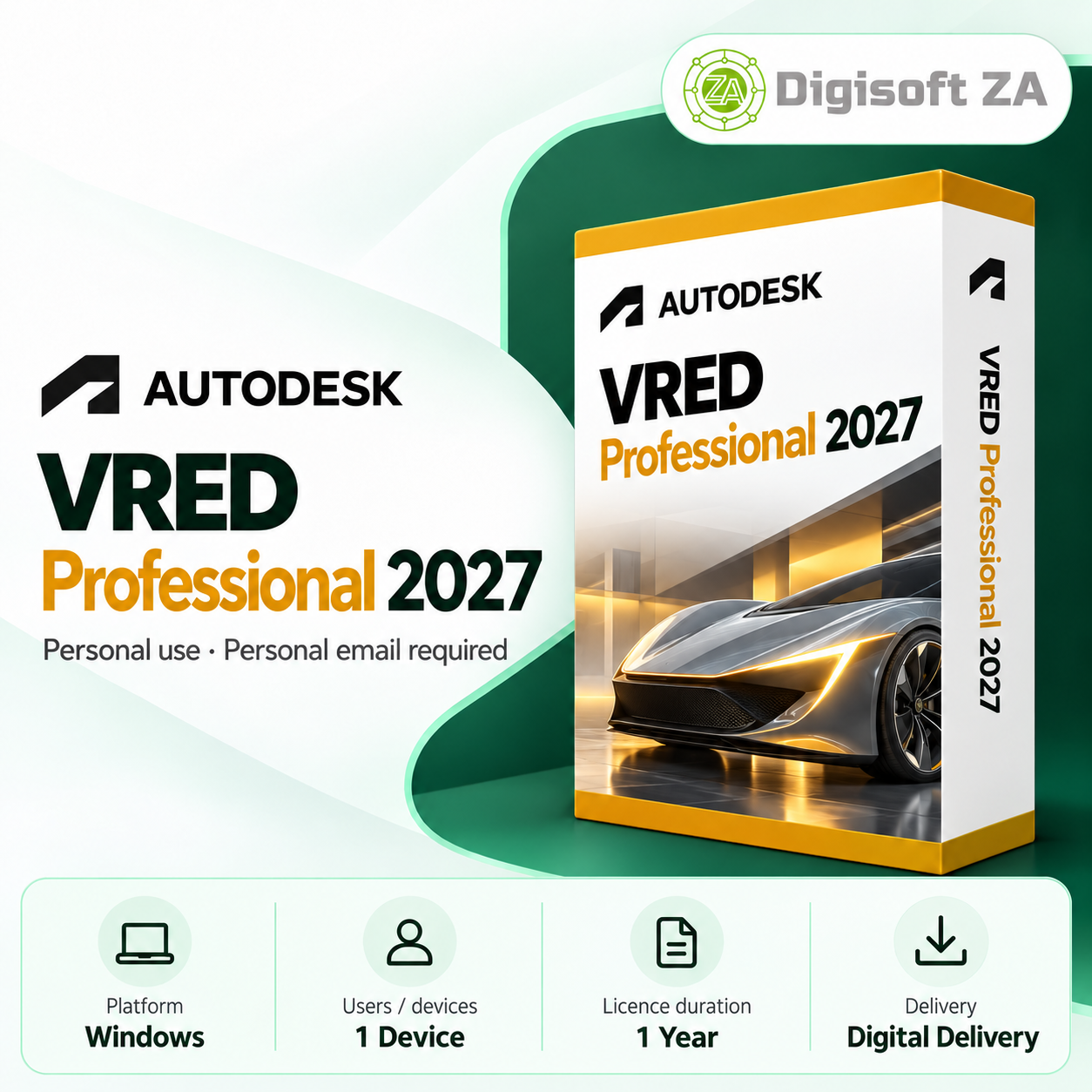
Autodesk VRED Professional 2027 provides a professional environment for transforming complex 3D and CAD data into high‑quality visualisations and interactive presentations. It is aimed at automotive designers, visualization specialists, product designers, engineers and digital design teams who need accurate materials, reflections and lighting to evaluate and communicate design intent prior to physical prototyping.
Key Features
- Photorealistic rendering for high‑quality images and presentations
- Real‑time interactive visualisation to explore models and design alternatives
- Material and shader controls for realistic representation of paint, metal, glass, plastics, fabrics and interior trims
- Advanced lighting tools for studio and environmental lighting scenarios
- Animation tools to produce dynamic presentations and demonstrate design configurations
- Design review capabilities to evaluate digital prototypes and communicate decisions
- CAD data visualisation to transform complex engineering models into presentation‑ready scenes
- Support for immersive and interactive workflows for virtual showrooms and demonstrations
Version Access
This subscription to VRED Professional 2027 also includes access to VRED Professional versions 2024, 2025 and 2026. Customers can choose from these available versions through their Autodesk account during the subscription period.
System Requirements
The following system guidance is provided in the product information. Customers should confirm compatibility with their own hardware before purchase.
- Operating System: Windows 10 / Windows 11 (64‑bit)
- Processor: High‑performance modern multi‑core Intel or AMD processor
- Memory: 16 GB RAM minimum; 32 GB or more recommended for complex projects
- Graphics: High‑performance dedicated GPU strongly recommended for real‑time visualisation and rendering
- Graphics Memory: Sufficient dedicated VRAM recommended for complex models and high‑resolution scenes
- Storage: SSD recommended with sufficient free space for installation, CAD models and textures
- Display: High‑resolution display recommended for professional visualisation work
- Internet Connection: Required for activation, updates and applicable online services (as stated in product information)
Licence & Account Requirements
The product information states the supplied licences are intended for personal use only. The listing also explains that the licence is added directly to your Autodesk account and managed through Autodesk Account.
- Licences are provided for personal use only; commercial, business, corporate, government or educational use may violate the publisher's licence terms and is undertaken at the user’s own risk
- Activation and delivery require a personal email address (examples given: Gmail, Outlook.com, Yahoo Mail, iCloud or similar)
- Business, corporate, school, university, government or organisation‑managed email accounts are not accepted for fulfilment
- Each subscription seat requires a separate personal email address for registration
Delivery & Support
Delivery is digital: the licence is added to the buyer’s Autodesk account and no physical media is shipped. The listing confirms free remote installation assistance is included.
Support is provided via WhatsApp and email. Remote installation uses TeamViewer QuickSupport where applicable; remote installation is offered as stated in the product listing.

Reviews
There are no reviews yet.