
Description
Overview
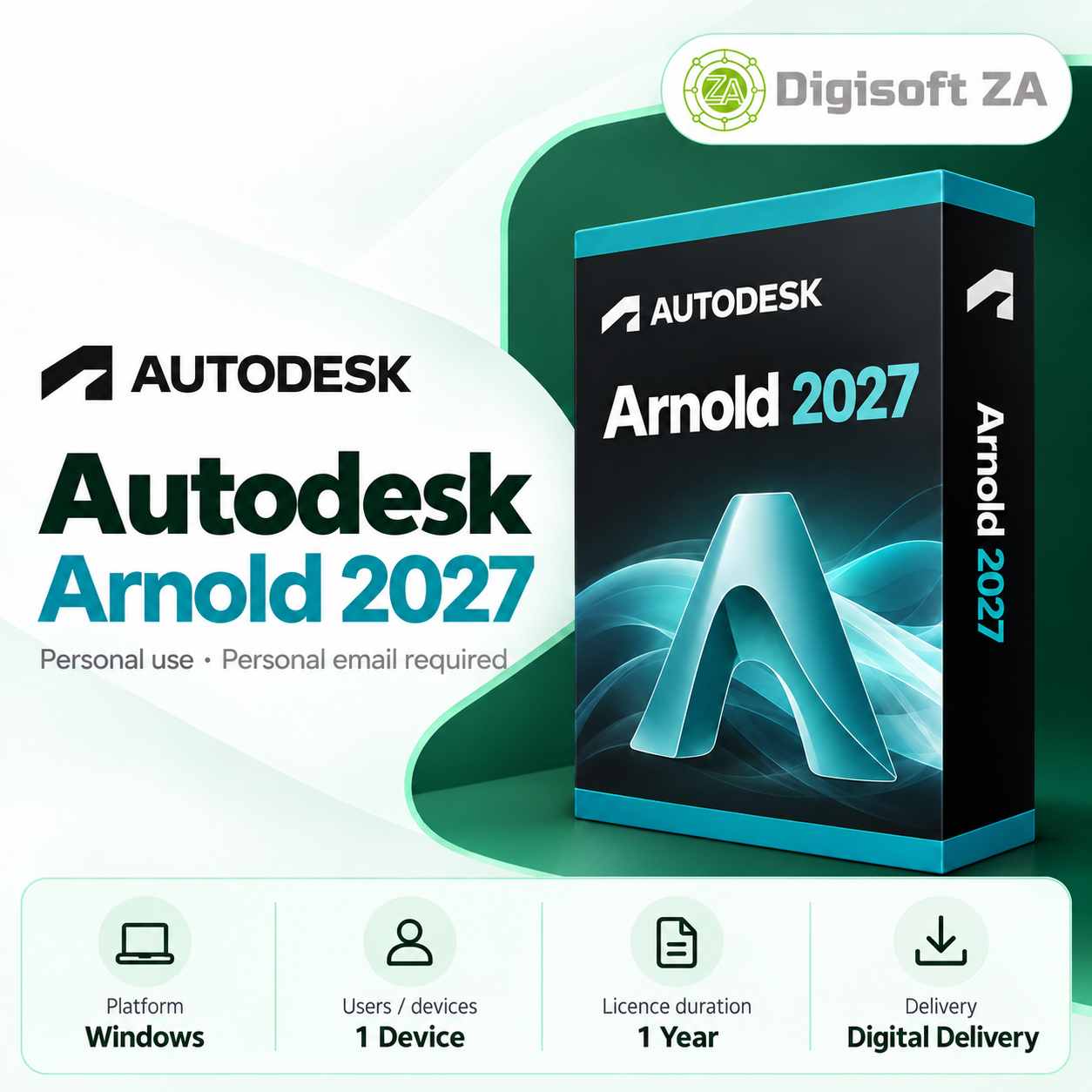
Autodesk Arnold 2027 is a production‑level 3D renderer for visual‑effects artists, animators, 3D designers and visualization professionals. It provides advanced ray tracing, realistic material and lighting tools, and integration with supported 3D content‑creation applications to help produce production‑quality imagery.
Key Features
Arnold delivers physically based rendering and interactive tools to support look development and high‑quality final renders.
- Physically based rendering for realistic light‑and‑material interaction
- Advanced ray tracing for reflections, refractions, shadows and indirect lighting
- Support for sophisticated materials and shading workflows
- Professional lighting controls and look‑development tools
- CPU and GPU rendering support for flexible workflows
- Interactive rendering previews to speed up scene refinement
Version Access
This subscription provides access to Arnold 2027 and to earlier Arnold versions listed for the subscription period.
- Access to Arnold 2024, 2025, 2026 and 2027 via your Autodesk account
System Requirements
Use only the explicitly stated system guidance when planning installations and hardware. Actual performance depends on scene complexity and your workstation configuration.
- Operating System: Windows 10 / Windows 11 (64‑bit), subject to supported host application requirements
- Processor: Modern high‑performance 64‑bit multi‑core Intel or AMD processor (as stated)
- Memory: 16 GB RAM recommended; 32 GB or more recommended for complex scenes
- Graphics: Compatible dedicated GPU recommended for GPU‑accelerated rendering; higher VRAM recommended for large textures
- Storage: SSD recommended with sufficient free space for project files, textures, caches and rendered output
- Host application: A compatible supported 3D content‑creation application may be required depending on workflow
- Internet Connection: Required for activation, updates and applicable online services (stated in product information)
Licence & Account Requirements
Licences supplied with this listing are intended for personal use only. The product information states that commercial, business, corporate, government, educational or production use may violate the publisher's licensing terms and is undertaken at the user's own risk.
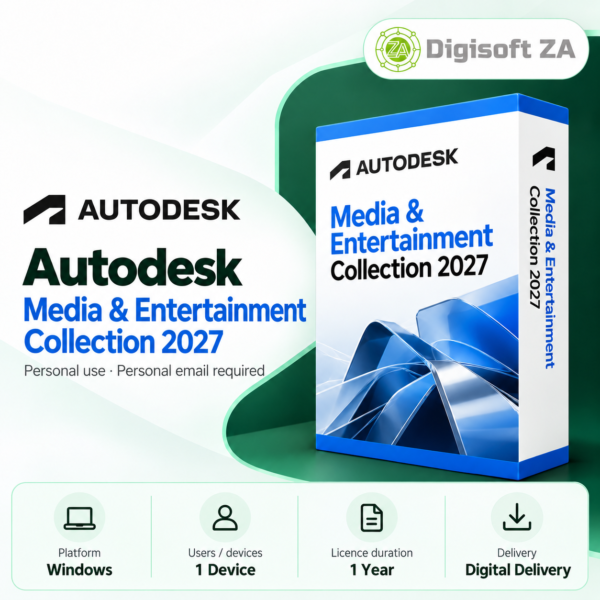
Licences are added directly to and managed through your Autodesk account. Our fulfilment requires a personal email address to register and activate the licence.
- Allowed email types: personal email services such as Gmail, Outlook.com, Yahoo Mail, iCloud Mail and similar
- Not accepted for activation: business/corporate email addresses, school or university addresses, government or organisation‑managed accounts
- Each seat requires a separate personal email address (as stated in the product information)
Delivery & Support
Delivery is digital: licences are added directly to your Autodesk account; no physical box, DVD or USB is shipped. The subscription includes access to applicable updates and feature enhancements during the subscription period (as stated).
Free remote installation assistance is included (stated in the product information). Support is provided via WhatsApp and email. Remote installation uses TeamViewer QuickSupport where applicable.
- Digital licence delivery to your Autodesk account
- Free remote installation assistance (product listing confirms)
- Support via WhatsApp and email
- Remote installation uses TeamViewer QuickSupport where applicable

Reviews
There are no reviews yet.