AutoCAD 2027 for MAC – 1 Year Subscription
R9 999.00 Original price was: R9 999.00.R1 999.00Current price is: R1 999.00.
What You Get
-
1-Year AutoCAD 2027 Subscription
-
Full access to all industry toolsets, applications, and cloud services listed above
-
Access to AutoCAD 2024, 2025, 2026, and 2027 versions
-
Subscription is linked to your Autodesk account and can be managed at https://manage.autodesk.com
986 in stock
Description
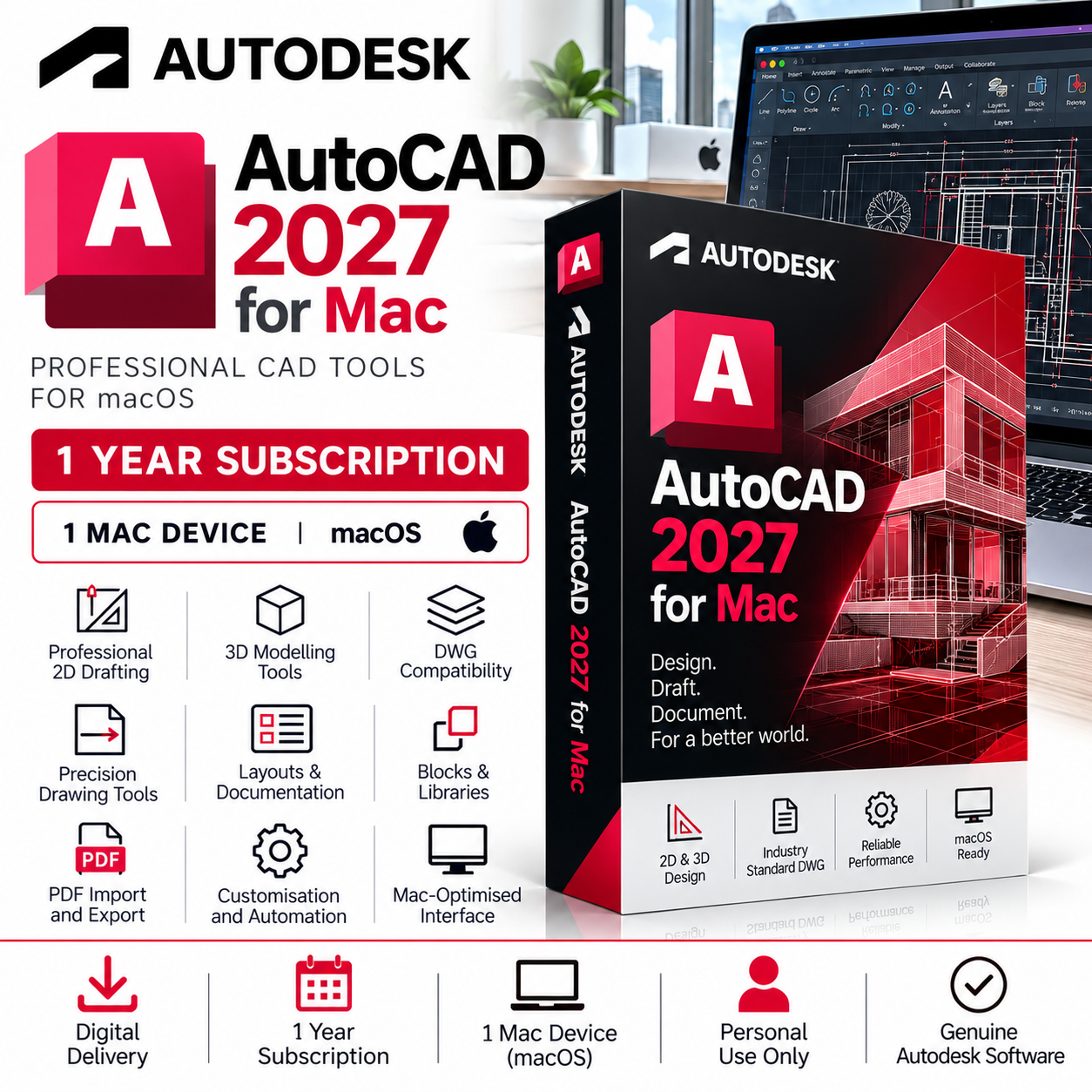
AutoCAD for Mac 2027 – Professional 2D & 3D CAD Software by Autodesk
AutoCAD for Mac 2026 is Autodesk’s latest professional CAD solution designed specifically for macOS. Trusted by architects, engineers, designers, and construction professionals worldwide, it delivers powerful 2D drafting and advanced 3D modeling tools with the performance and native experience Mac users expect.
This 1-year personal subscription provides access to AutoCAD for Mac on desktop as well as AutoCAD Web and Mobile apps, allowing you to work on drawings anywhere. The subscription also includes access to previous versions of AutoCAD (2024, 2025, and 2026) in addition to AutoCAD 2027.
NB: This account is provided for personal use only.
Key Features
Smart Blocks with Placement & Replacement Tools
Automatically detect and place blocks efficiently with intelligent suggestions to speed up drafting.
Enhanced Count & Revision Cloud Tools
Easily track drawing elements and highlight changes with improved revision cloud tools.
Optimized Performance
Faster drawing regeneration and improved graphics performance for smoother workflows on macOS.
Floating Windows & Multiple Viewports
Work across multiple drawings and layouts simultaneously using floating windows and viewports.
Native macOS Experience
Designed specifically for macOS with Retina display support, Apple gestures, and optimized Mac interface.
AutoCAD Web & Mobile Access Included
Access, edit, and review drawings from any device using the AutoCAD Web and Mobile apps.
Included Applications & Services
Your subscription provides access to the AutoCAD ecosystem, including desktop, web, and mobile tools.
Core Applications
AutoCAD for Mac
The full-featured CAD application for macOS with professional drafting, annotation, and 3D modeling tools.
AutoCAD Web
Create, edit, and view DWG drawings directly in your browser.
AutoCAD Mobile App
Work on drawings from smartphones and tablets with powerful mobile editing tools.
Additional Cloud Services & Features
DWG History
View and compare previous drawing versions stored in supported cloud services.
Desktop Connector
Access and manage files stored in Autodesk cloud services directly from Finder on macOS.
Drive (Cloud Storage)
Secure cloud storage for project files and drawings.
Markup Import & Markup Assist
Import feedback from PDFs or images and automate drawing updates.
My Insights – Macro Advisor
AI-powered workflow suggestions to improve productivity.
Rendering Tools
Create high-quality visualizations and photorealistic renderings.
Shared Views
Share designs securely with collaborators without sending full DWG files.
Trace
Add collaborative markups and feedback layers without modifying the original drawing.
Software License Disclaimer
The software licenses supplied are intended for personal use only. These licenses provide access to the full software feature set; however, any use in a commercial, business, corporate, government, or production environment is undertaken entirely at the user’s own risk.
By purchasing or using these licenses, you acknowledge and agree that:
- The licenses are provided for personal use only.
- Commercial use may violate the software publisher’s licensing terms and conditions.
- We make no guarantees regarding the suitability, validity, or compliance of these licenses for commercial use.
- Any commercial or business use is solely the responsibility of the end user.
- We accept no liability for any licensing issues, audits, penalties, account restrictions, or other consequences arising from commercial use.
Email Requirement
To ensure successful activation and delivery, licenses can only be registered to and activated using a personal email address (such as Gmail, Outlook.com, Yahoo, etc.). We cannot process orders using business, corporate, school, university, or organization-managed email addresses.
Support
All our software solutions include free installation support to ensure a smooth and hassle-free setup. If you need assistance at any stage, our team is ready to help — simply reach out to us via phone call, WhatsApp, live chat, or email, and we’ll guide you through the process quickly and professionally.

Reviews
Clear filtersThere are no reviews yet.