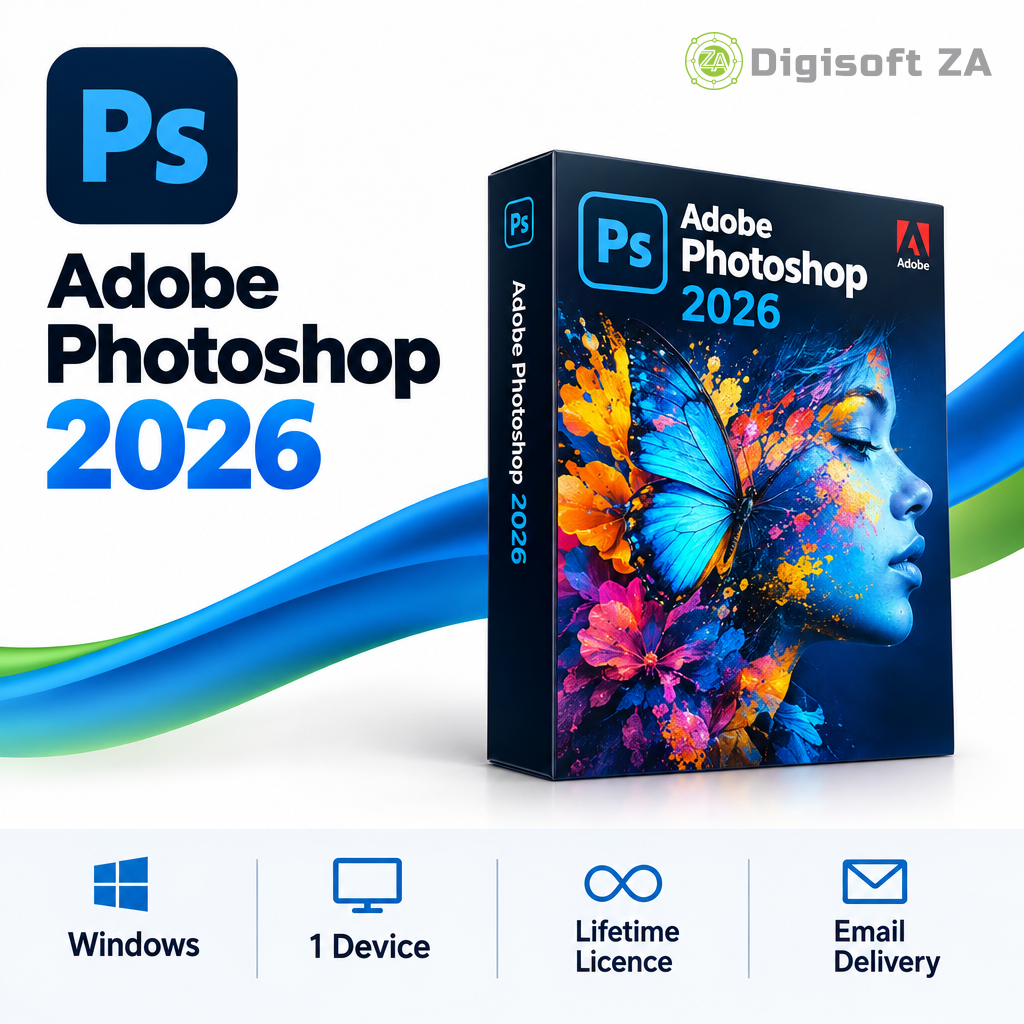

Adobe Photoshop 2026
R4 999.00 Original price was: R4 999.00.R999.00Current price is: R999.00.

What you get
- Adobe Photoshop 2026 — perpetual one‑time purchase
- Includes core Photoshop editing, retouching and compositing tools
- AI-powered cloud services and generative AI features are not included
- Single‑device licence (1 seat) for Windows
- Delivered by email with support via WhatsApp and email
916 in stock
Adobe Photoshop 2026 is professional image‑editing and graphic‑design software for photo retouching, compositing and digital artwork, supplied as a one‑time perpetual licence for Windows.
Frequently asked questions
How is this product delivered?
Which operating system is supported?
Windows
How long is the licence valid?
Lifetime
Which versions can I access?
Adobe Photoshop 2026 only, as specified in the product information.
What account or email do I need?
A personal email address (for example Gmail, Outlook.com or Yahoo) is required for fulfilment; each seat requires a separate personal email. Custom‑domain, business or institution addresses are not accepted for these listings.
Is installation assistance included?
Support and installation assistance are available via WhatsApp and email during business hours; remote installation may use TeamViewer QuickSupport. The listing does not confirm free installation.
Description
Overview
Adobe Photoshop 2026 is provided as a perpetual (one‑time purchase) licence for Windows. It delivers core Photoshop tools for professional photo editing, layer‑based compositing, graphic design, text and typography, colour correction and image manipulation. This specific offering excludes AI‑powered cloud services, generative AI features and subscription‑based online services.
Key Features
The product includes the standard desktop Photoshop feature set as described in the product information. It supports advanced selection and masking, layer editing, retouching, compositing and common image formats for professional workflows.
- Professional photo editing and retouching
- Advanced layer‑based editing and compositing
- Selection, masking and object editing tools
- Colour correction and enhancement tools
- Text, typography and design tools
- Support for popular image formats
Version Access
This listing corresponds to Adobe Photoshop 2026. No additional versions are stated as available in the product information.
System Requirements
System requirements are taken from the supplied product information. Buyers must ensure their Windows system meets these requirements before purchase.
- Supported OS: Windows 10 (64‑bit) or Windows 11
- Processor: Intel Core i5 or AMD equivalent (as supplied)
- Memory: 8 GB RAM (16 GB recommended)
- Storage: 8 GB available storage space
- Display: 1920 x 1080
- Graphics: DirectX 12 compatible graphics card
- Internet connection: required for activation (as stated in product information)
Licence & Account Requirements
Licence type: Perpetual licence (one‑time purchase) as stated in the product information. This listing is for a single device (1 seat) on Windows, per the saved product details.
Fulfilment requirement: Digisoft ZA requires a personal email address (for example Gmail, Outlook.com or Yahoo) for digital delivery; each seat requires a separate personal email address. Custom‑domain, business or institution‑managed addresses are not accepted for fulfilment. These email requirements are Digisoft ZA fulfilment rules and not attributed to the software publisher.
Delivery & Support
Delivery is by email, using the delivery method saved with this product. Support is available via WhatsApp and email during business hours. Remote installation can be performed using TeamViewer QuickSupport where applicable. The listing does not confirm free installation, so free installation is not promised here.
- Digital delivery only — no physical media
- Support via WhatsApp and email during business hours
- Remote assistance via TeamViewer QuickSupport where applicable
Important purchase requirements
Please ensure you have the correct operating system.
Support
All our software solutions include free installation support to ensure a smooth and hassle-free setup. If you need assistance at any stage, our team is ready to help — simply reach out to us via phone call, WhatsApp, live chat, or email, and we’ll guide you through the process quickly and professionally.

Verified owner SMP (verified owner) –
Bought all the Adobe products. Works great.