
Description
Overview
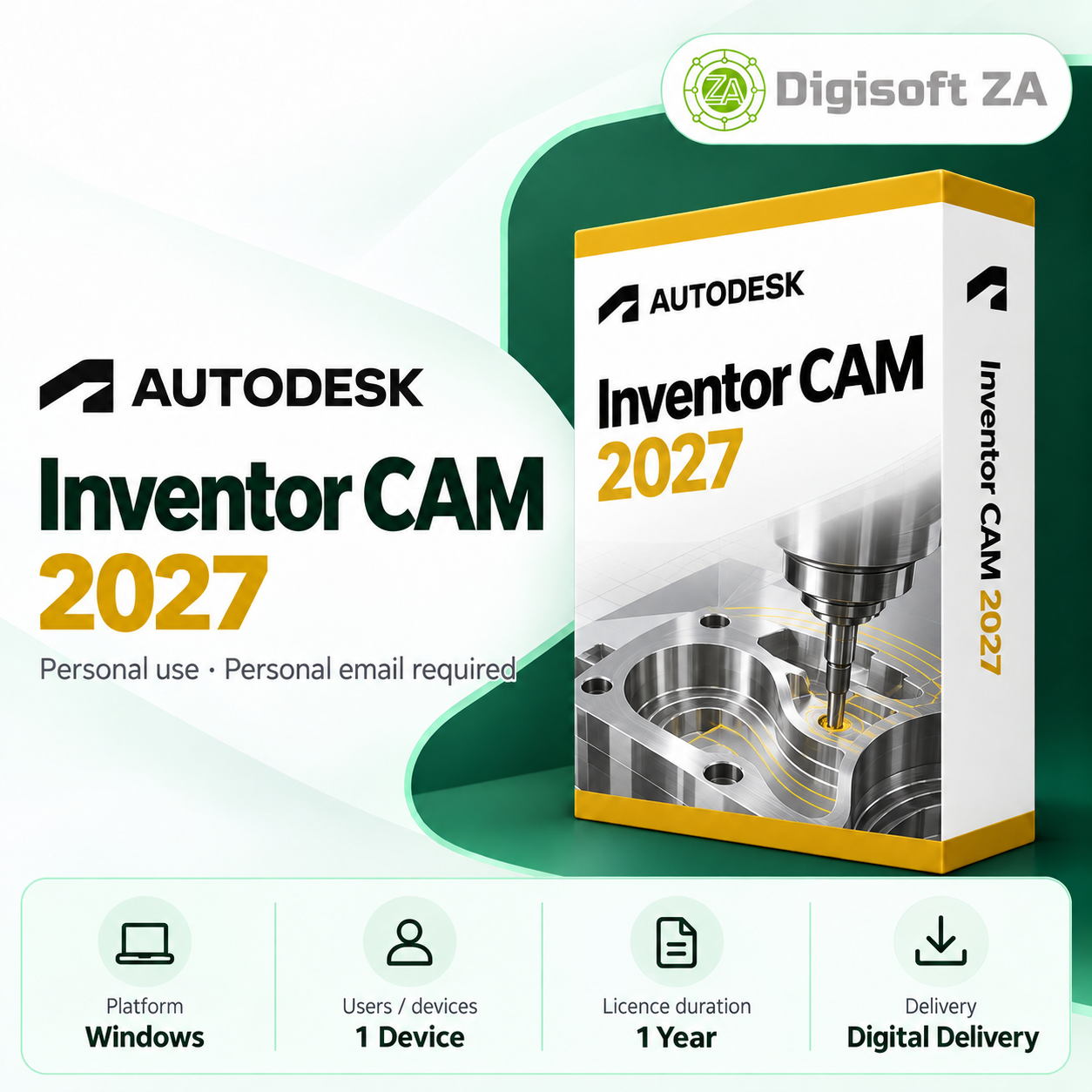
Autodesk Inventor CAM 2027 provides integrated computer-aided manufacturing capabilities for CNC programmers, machinists, manufacturing engineers and product designers who want to create machining operations within an Autodesk Inventor workflow. The subscription keeps machining operations associated with the underlying model to streamline updates when designs change.
Key Features
Inventor CAM 2027 delivers a range of CAM capabilities inside compatible Inventor environments, enabling users to program milling and turning operations without transferring data to a separate CAM application. The product supports common 2D and 2.5D milling (facing, pocketing, contouring, drilling and related operations), 3D milling for complex surfaces, and CNC turning for lathe operations. It includes toolpath creation, high-efficiency strategies for material removal, tool management and post-processing to generate NC code for compatible CNC equipment. Built-in simulation and verification workflows allow users to visualise machining sequences, review tool movement and refine operations prior to production.
- Integrated CAD/CAM inside compatible Autodesk Inventor environments
- 2D, 2.5D and 3D milling strategies and finishing/roughing workflows
- CNC turning support for lathe and turning centre operations
- High-efficiency toolpaths and advanced machining strategies
- Toolpath simulation, verification and NC code generation
- Tool management and post-processing for compatible CNC machines
Version Access
The subscription includes access to multiple recent Inventor CAM versions. Licences are added to and managed through your Autodesk account, and access to applicable updates is provided during the subscription period.
- Access to Inventor CAM 2024, 2025, 2026 and 2027
- License added directly to your Autodesk account; manage via Autodesk Account
- Access to applicable updates during the subscription period
System Requirements
System requirements are provided in the product information; customers should confirm compatibility with their hardware and any required Autodesk Inventor installation for applicable workflows.
- Operating System: Windows 10 / Windows 11 (64-bit)
- Processor: Modern high-performance 64-bit multi-core Intel or AMD processor (as specified in product information)
- Memory: 16 GB RAM recommended; additional memory may benefit complex projects
- Graphics: Dedicated graphics hardware recommended for complex models and simulation
- Storage: SSD recommended with sufficient free space for installation and project files
- Compatible Software: A supported Autodesk Inventor installation may be required for applicable Inventor CAM workflows
- CNC Equipment: Appropriate post-processing configuration is required for specific CNC machines
- Internet Connection: Required for activation, updates, and applicable online services (as stated in product information)
Licence & Account Requirements
This product is supplied as a subscription licence intended for personal use only. The product information explicitly states that these licences are intended for personal use and that any commercial, business, corporate, government, educational or production use is at the buyer’s own risk.
Fulfilment requires a personal email address to register and activate the licence. Business, institution-managed or organization-controlled email addresses cannot be used for activation and may delay processing.
- Licences are intended for personal use only; commercial use is undertaken at the user’s own risk
- Accepted email types: Gmail, Outlook.com, Yahoo Mail, iCloud Mail and other personal email services
- Not accepted: Business/corporate email addresses, school or university addresses, government addresses, organization-managed accounts
- Each seat requires a separate personal email address
Delivery & Support
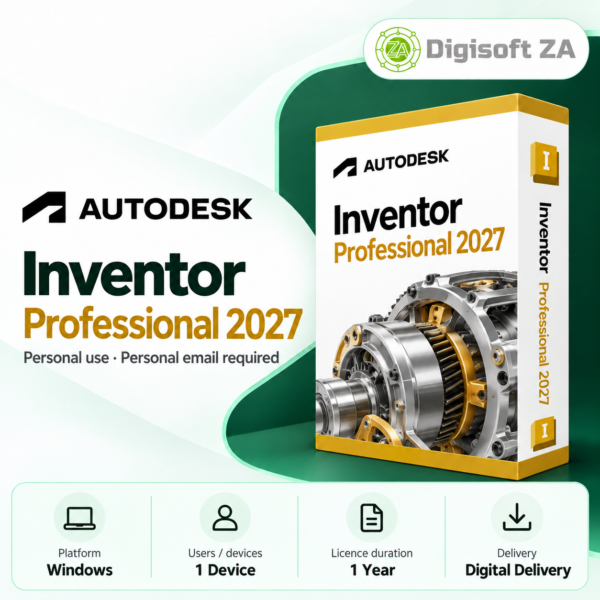
Delivery is digital only; no physical box, DVD or USB is shipped. Licences are added directly to the purchaser’s Autodesk account and managed through Autodesk Account. The listing confirms free remote installation assistance, and support is available via WhatsApp and email. Remote installation uses TeamViewer QuickSupport where applicable.
- Digital delivery (no physical media); licence added to your Autodesk account
- Free remote installation assistance (as stated in the product information)
- Support channels: WhatsApp and email
- Remote installation method: TeamViewer QuickSupport where applicable

Reviews
There are no reviews yet.